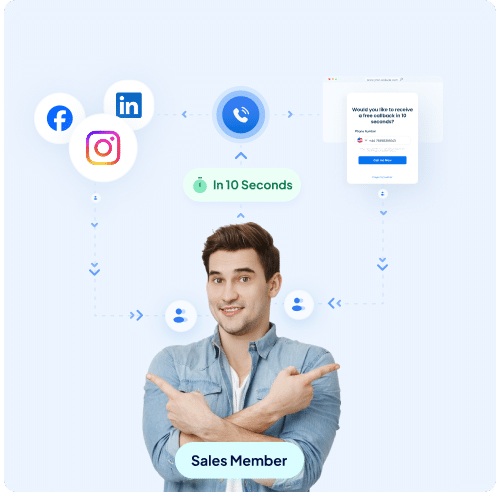
With Leadport’s LinkedIn integration, route leads from your LinkedIn Lead Ads campaigns directly to your sales team within seconds. Leadport automatically integrates the data you collect from LinkedIn into your system, giving you the ability to seize sales opportunities instantly. Stay ahead of the competition with quick responses and convert your leads into sales without missing a chance.
Gain Quick Access to LinkedIn Leads
Be the first to reach out to leads from your LinkedIn Lead Ads campaigns.
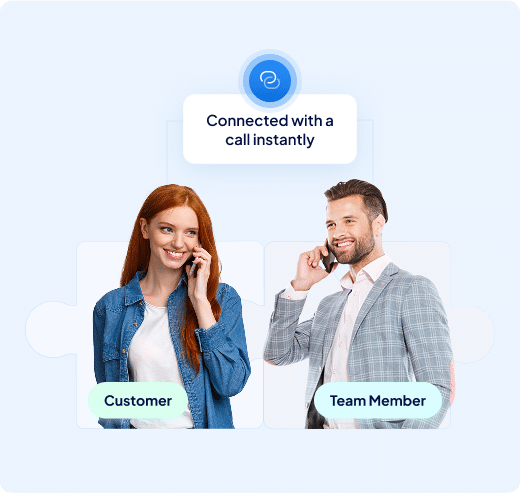
Leadport triggers an instant call to the appropriate sales representative as soon as a LinkedIn form is submitted, based on your predefined rules.
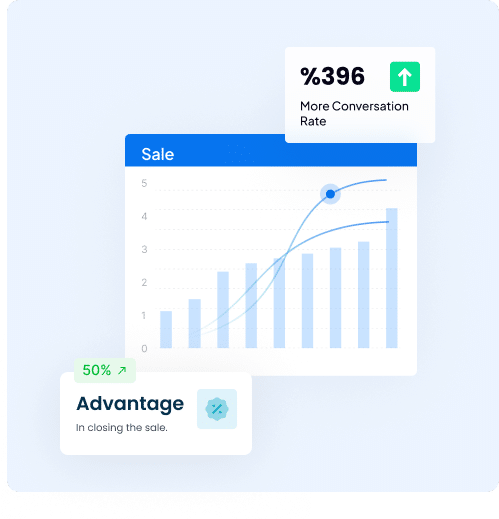
This rapid response system helps you establish first contact with leads, increasing sales opportunities and keeping you one step ahead of competitors.
Advanced Reporting and Lead Analysis
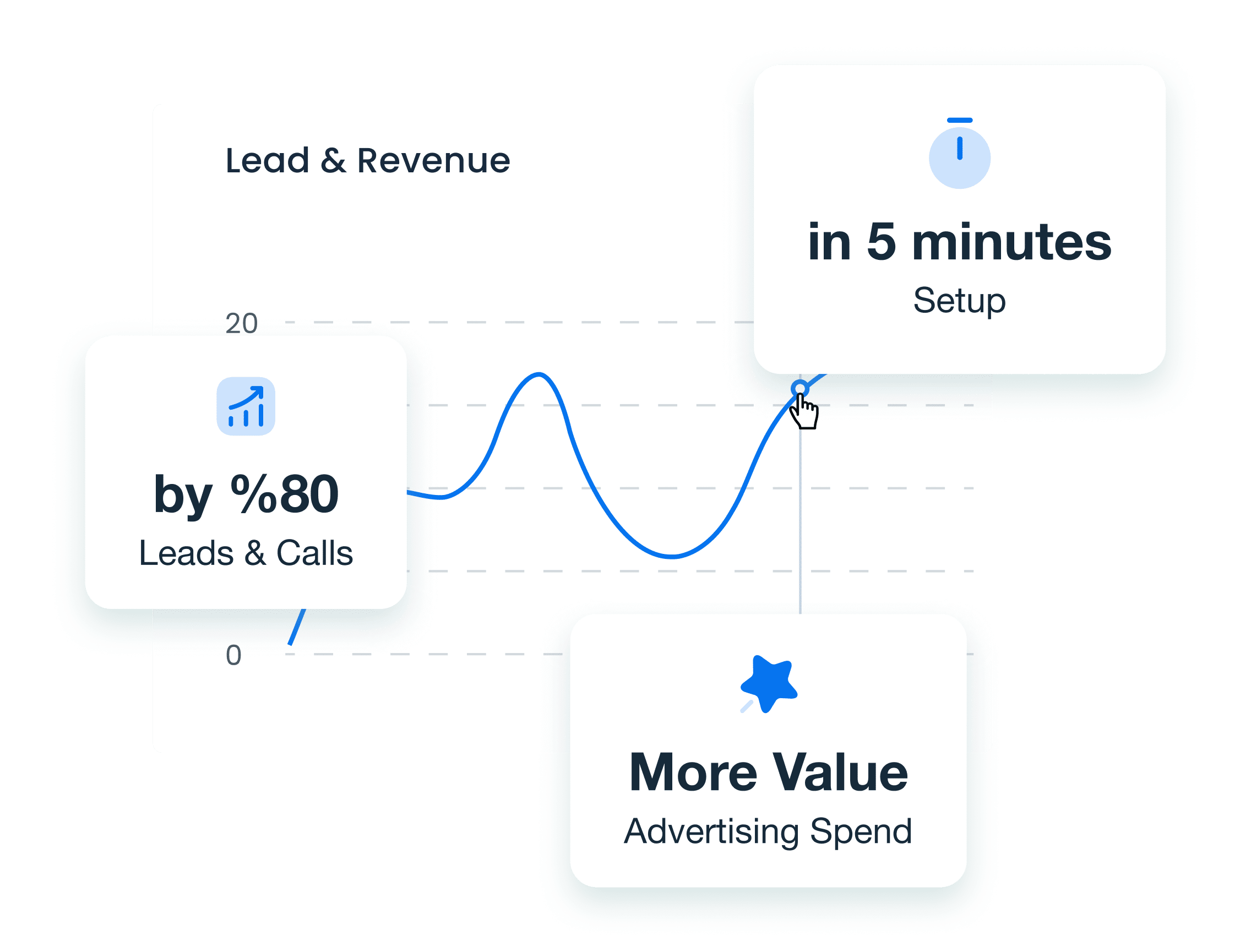
Track your LinkedIn leads and monitor your sales team's performance with Leadport’s advanced reporting tools.
Analyze when each lead was contacted, review your team’s response times, and listen to call recordings to create a more effective management process.
Gain deeper insights into customer interactions, understand their needs, and optimize your sales strategies based on these data-driven insights.
AI-Powered Sales Improvement
Continuously improve your sales team’s performance by analyzing LinkedIn lead interactions with AI-powered sales coaching.
AI evaluates calls and interactions, providing personalized feedback to help your team learn more effective sales strategies.
A team that better understands customer needs enhances satisfaction and accelerates the sales process.
How To Configure Your LinkedIn Integration
Step 1: Go to the Integration page
Access the Integration tab in your Leadport dashboard to start the setup.
Step 2: Generate a KEY for Zapier Integration
Create a unique KEY in Leadport that you will use during the Zapier integration.
Step 3: Log into your Zapier account
Sign in to your Zapier account to begin setting up your automation.
Step 4: Create a new Zap
Click “Create Zap” to start building a new automated workflow.
Step 5: Select LinkedIn as the trigger app
Search for and select “LinkedIn” as your trigger application.
Step 6: Choose the trigger action (e.g., New Lead)
Select the event that will trigger the Zap, such as “New Lead.”
Step 7: Fill in the required information
Connect your LinkedIn account and fill in any required fields to complete setup.
Step 8: Select Leadport as the action app
Choose “Leadport” as the app to handle the action triggered by LinkedIn.
Step 9: Choose the action you want to perform (e.g., Create Instant Callback)
Pick the Leadport action—like “Create Instant Callback”—to run when a new lead comes in.
Step 10: Map the relevant fields with your LinkedIn form
Align your LinkedIn form fields with the appropriate Leadport fields for smooth data transfer.
Step 11: Match the corresponding field with the KEY you generated
Find your generated Leadport KEY in the relevant Zapier field to connect the workflow.
Step 12: Publish the Zap
Click “Publish” to activate your Zap and start capturing LinkedIn leads instantly in Leadport.
Find Your Answers Fast
Can I integrate Leadport with my existing tools (e.g., Facebook Lead Forms, Hubspot, CRM systems)?
Yes, Leadport integrates seamlessly with Facebook Lead Forms, Hubspot, and other CRMs, as well as Zapier for automation.
Can I integrate Leadport with Facebook Lead Forms?
Yes, it integrates seamlessly to manage and call leads from Facebook ads.
Does Leadport work with Hubspot?
Yes, Leadport can be integrated with Hubspot for streamlined lead management.
Is Leadport compatible with other CRMs?
Yes, it supports integration with various CRM systems.
Is Leadport connected with Zapier?
Yes, allowing you to automate workflows and connect with numerous apps.