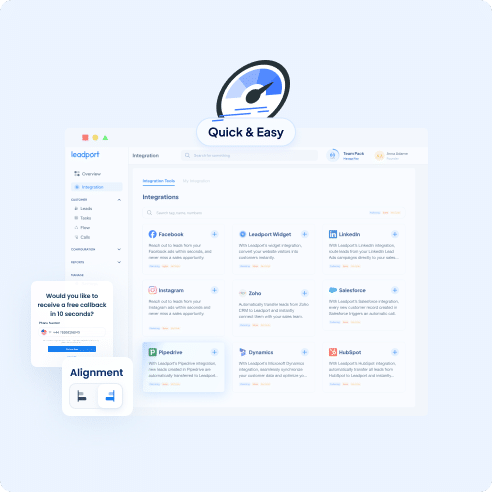
With Leadport’s Salesforce integration, every new customer record created in Salesforce triggers an automatic call. Leadport instantly routes the customer information to the relevant sales representative, allowing them to connect with the customer within seconds. This integration enables you to reach leads quickly without manual intervention, ensuring that no sales opportunity is missed. By combining Salesforce and Leadport, increase efficiency and accelerate your sales process.
Instant Response with Automatic Customer Calling
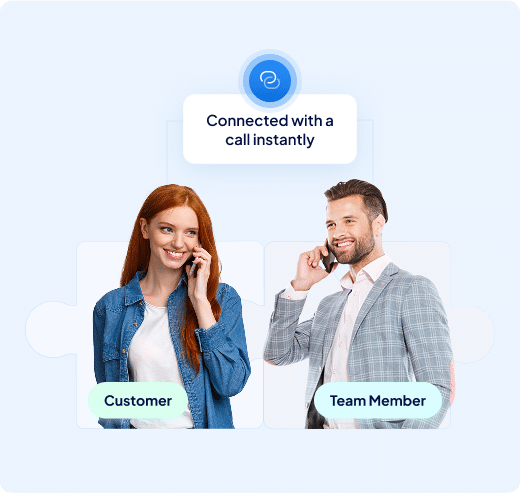
When you integrate Salesforce with Leadport, an automatic call is triggered as soon as a new customer record is created in Salesforce.
This allows your sales team to instantly establish first contact with the customer, ensuring no lead is lost and swift action is taken.
Quick response is one of the most effective ways to increase sales rates.
Increase Efficiency by Reducing Manual Workload
Salesforce and Leadport integration eliminates the need for manual data transfer.
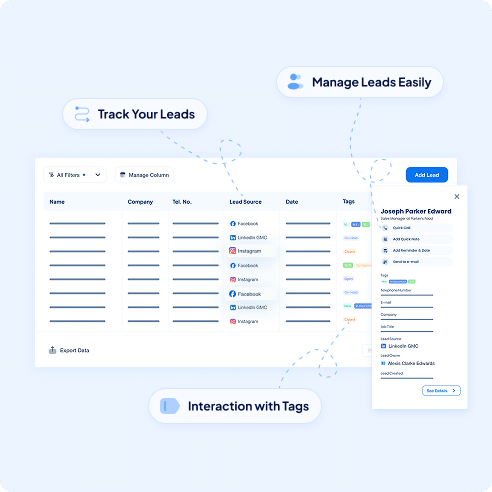
New customer information is automatically transferred to Leadport and routed to the appropriate sales representative.
This automation boosts team efficiency, saves time, and minimizes data entry errors.
Detailed Tracking, Performance Analysis, and AI-Powered Sales Coaching
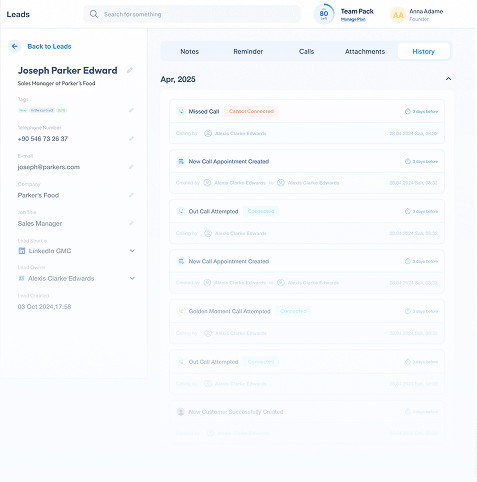
With the Salesforce and Leadport integration, you can track the calls triggered by newly created customer records and analyze your sales processes in detail.
Monitor every call to see which sales representatives perform best and how they meet customer needs.
Continuously improve your team's performance with personalized feedback from Leadport’s AI-powered sales coaching feature.
AI analyzes calls, helping your team learn the best sales strategies and enhancing customer satisfaction.
How To Configure Your Salesforce Integration
Step 1: Go to the Integration page
Access the Integration section in your Leadport dashboard to begin setup.
Step 2: Generate a KEY for Zapier Integrationgration
Create a unique KEY in Leadport for use in your Zapier workflow.
Step 3: Log into your Zapier account
Sign in to your Zapier account to set up your automation.
Step 4: Create a new Zap
Click “Create Zap” to start a new workflow.
Step 5: Select Salesforce as the trigger app
Search for and select “Salesforce” as your trigger application.
Step 6: Choose the trigger action (e.g., New Lead)
Choose the event—such as “New Lead”—that will initiate the workflow.
Step 7: Fill in the required information
Enter your Salesforce account details and complete the required configuration.
Step 8: Select Leadport as the action app
Choose “Leadport” as the app where the triggered action will be executed.
Step 9: Choose the action you want to perform (e.g., Create Instant Callback)
Select the specific Leadport action—like “Create Instant Callback”—to perform when triggered.
Step 10: Map the relevant fields with your Salesforce form
Match the data fields from Salesforce with the appropriate Leadport fields.
Step 11: Match the corresponding field with the KEY you generated
Find the generated KEY from Leadport in the designated Zapier field.
Step 12: Publish the Zap
Click “Publish” to activate your Zap and start sending Salesforce leads into Leadport.