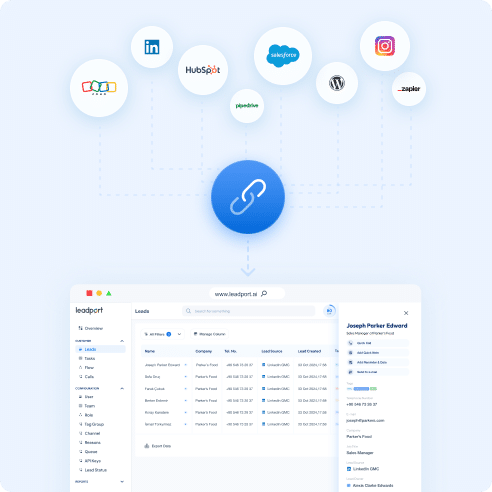
With Leadport’s Pipedrive integration, new leads created in Pipedrive are automatically transferred to Leadport, triggering an instant call using the Golden Moment Call feature to the relevant sales representative. This allows you to connect with leads within seconds and make the first contact quickly. By eliminating manual processes, this integration ensures that no sales opportunity is missed, enhancing your sales team’s performance. Optimize your sales process and boost efficiency with the powerful combination of Leadport and Pipedrive.
Respond Quickly with Automatic Golden Moment Call
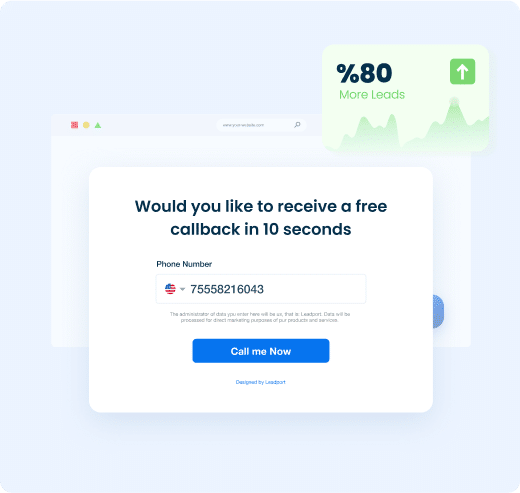
When new leads are created in Pipedrive and automatically transferred to Leadport, the golden moment call feature is activated.
Instantly connect with the customer, making first contact within seconds.
This rapid response boosts customer satisfaction and ensures you capitalize on sales opportunities with maximum efficiency.
Save Time with Full Automation
The Pipedrive and Leadport integration eliminates manual tasks by automatically routing customer data to the appropriate sales representative.
With leads automatically transferred and processed, you save time and allow your team to focus entirely on sales.
Data-Driven Performance Tracking and AI-Powered Sales Coaching
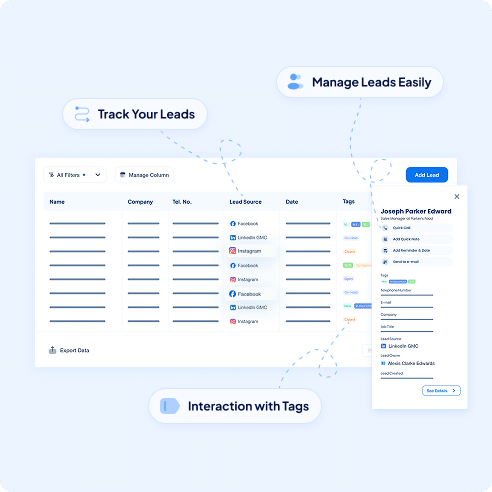
Monitor the performance of leads coming from Pipedrive in real time using Leadport’s advanced reporting and analytics tools.
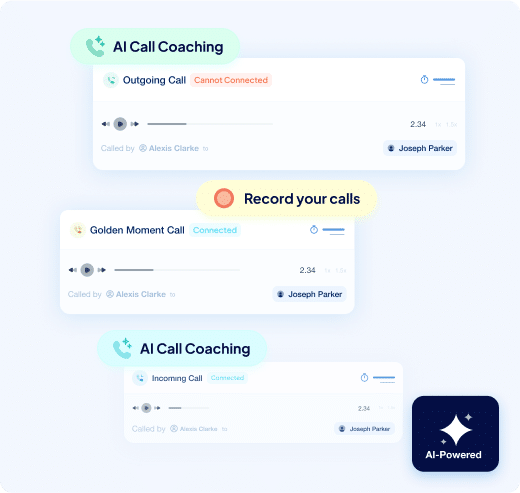
Review call recordings to analyze your sales team’s response times and customer interactions.
Continuously improve sales performance with personalized feedback through Leadport’s AI-powered sales coaching feature.
These insights help you optimize your sales strategy and respond more effectively to customer needs.
How To Configure Your Pipedrive Integration
Step 1: Go to the Integration page
Open the Integration section in your Leadport dashboard to get started.
Step 2: Generate a KEY for Zapier Integration
Create a unique integration KEY in Leadport to use during the Zapier setup.
Step 3: Log into your Zapier account
Sign in to your Zapier account to begin creating your automation.
Step 4: Create a new Zap
Click on “Create Zap” to set up a new workflow.
Step 5: Select Pipedrive as the trigger app
Search for and select “Pipedrive” as your trigger application.
Step 6: Choose the trigger action (e.g., New Lead)
Pick the event that will trigger the workflow, such as “New Lead.”
Step 7: Fill in the required information
Enter your Pipedrive account details and any required configuration data.
Step 8: Select Leadport as the action app
Choose “Leadport” as the app where the action will take place.
Step 9: Choose the action you want to perform (e.g., Create Instant Callback)
Select the Leadport action you want to trigger—like an Instant Callback.
Step 10: Map the relevant fields with your Pipedrive form
Match Pipedrive form fields to the appropriate Leadport fields for accurate lead handling.
Step 11: Match the corresponding field with the KEY you generated
Find the generated key in the designated Zapier field to link your Leadport queue.
Step 12: Publish the Zap
Activate your Zap to start sending leads from Pipedrive directly into Leadport.
Find Your Answers Fast
Can I integrate Leadport with my existing tools (e.g., Facebook Lead Forms, Hubspot, CRM systems)?
Yes, Leadport integrates seamlessly with Facebook Lead Forms, Hubspot, and other CRMs, as well as Zapier for automation.
Can I integrate Leadport with Facebook Lead Forms?
Yes, it integrates seamlessly to manage and call leads from Facebook ads.
Does Leadport work with Hubspot?
Yes, Leadport can be integrated with Hubspot for streamlined lead management.
Is Leadport compatible with other CRMs?
Yes, it supports integration with various CRM systems.
Is Leadport connected with Zapier?
Yes, allowing you to automate workflows and connect with numerous apps.