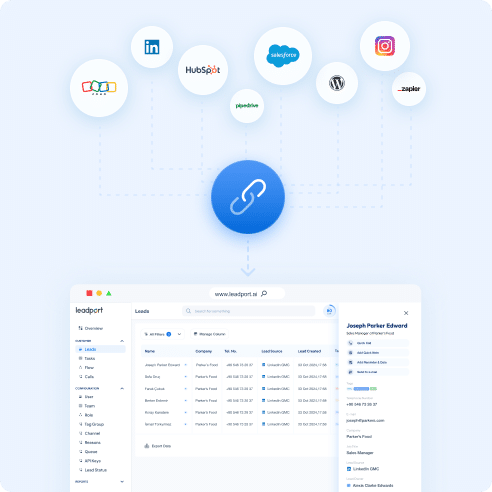
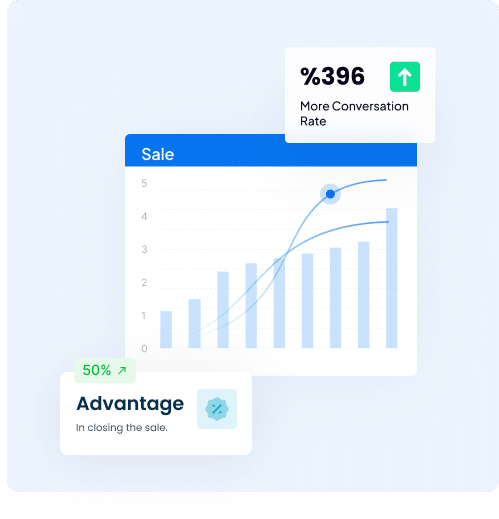
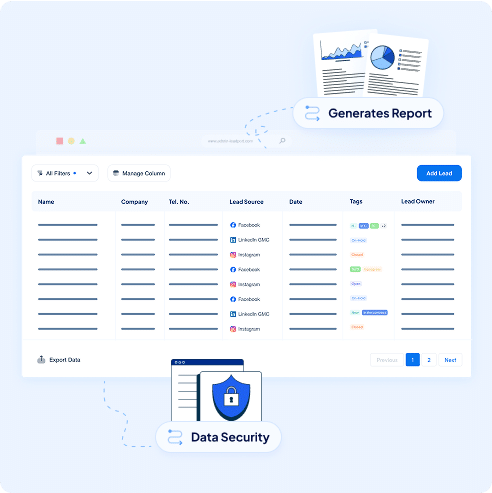
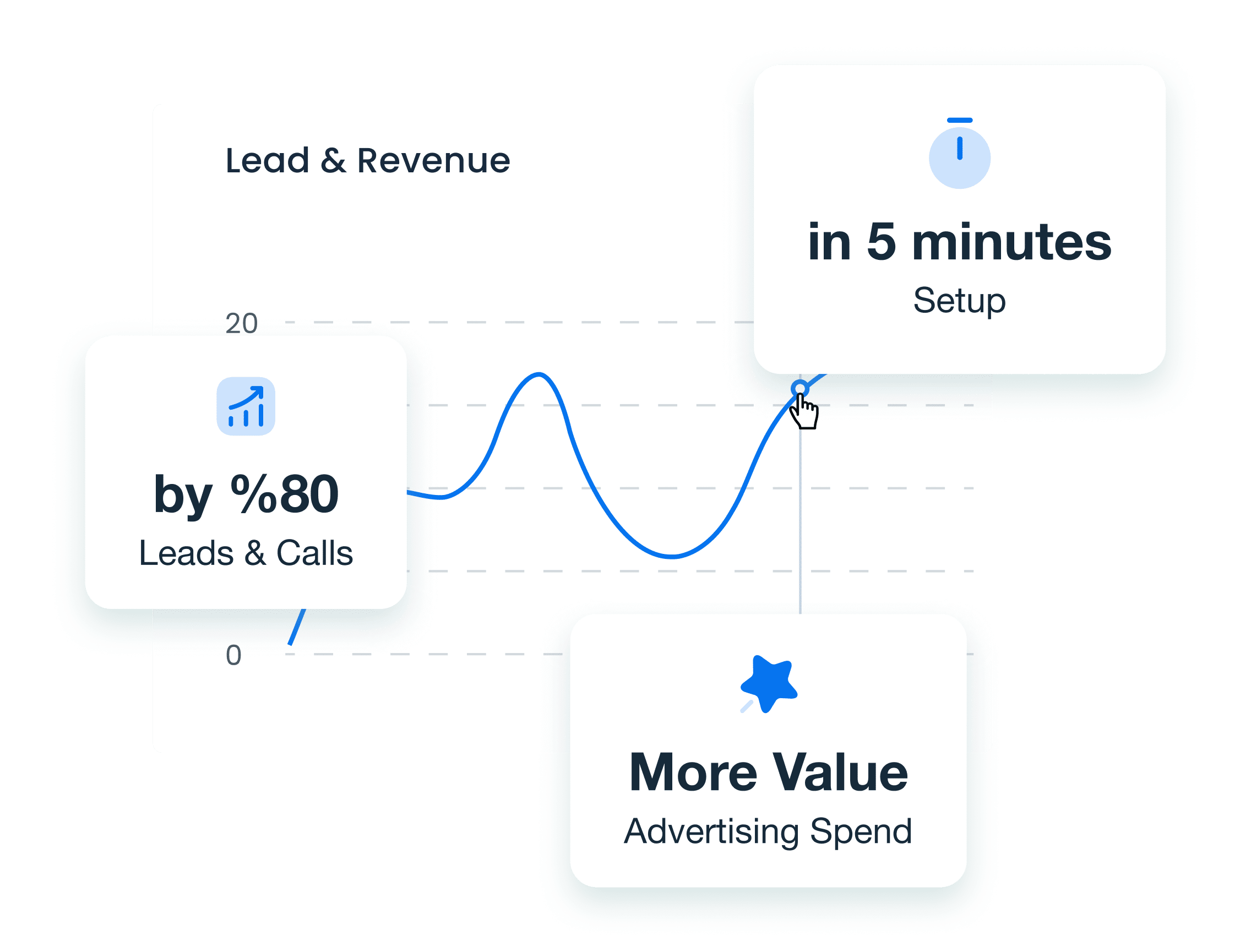
With Leadport’s Zoho CRM integration, centralize all your customer information in one platform to speed up your sales processes. Automatically transfer leads from Zoho CRM to Leadport and instantly connect them with your sales team. This integration eliminates manual data entry, saving you time while managing customer information efficiently. Make the most of your sales opportunities and optimize your business workflows.
Automatic Data Synchronization
Leads from Zoho CRM are automatically transferred to Leadport, and all customer information is synced within one platform.
Share customer details instantly with your sales team without manual data entry and take quick action.
Save time and minimize data errors with seamless synchronization.
Instant Lead Routing
The Zoho CRM and Leadport integration automatically routes every lead to the most suitable sales representative.
Leads are instantly directed to the right person based on your predefined rules, allowing you to capitalize on hot sales opportunities without delay.
Detailed Performance and Sales Analysis
Analyze your entire sales process with Leadport’s Zoho CRM integration.
Track incoming leads, monitor your sales team's performance, and measure response times to optimize your business strategies.
Review customer interactions and sales data in detail to develop a stronger, customer-focused sales approach.
How To Configure Your Zoho Integration
Step 1: Go to the Integration page
Access the Integration tab in your Leadport dashboard to begin setup.
Step 2: Generate a KEY for Zapier Integration
Create a unique KEY in Leadport to use during the Zapier integration process.
Step 3: Log into your Zapier account
Sign in to your Zapier account to start building your automation.
Step 4: Create a new Zap
Click “Create Zap” to start a new workflow.
Step 5: Select Zoho as the trigger app
Search for and choose “Zoho” as your trigger application.
Step 6: Choose the trigger action (e.g., New Lead)
Pick the action that will initiate the Zap, such as “New Lead.”
Step 7: Fill in the required information
Complete the necessary authentication and data configuration for Zoho.
Step 8: Select Leadport as the action app
Choose “Leadport” as the app where the action will be performed.
Step 9: Choose the action you want to perform (e.g., Create Instant Callback)
Select what you want Leadport to do—like triggering an Instant Callback.
Step 10: Map the relevant fields with your Zoho form
Match the data fields from Zoho to the appropriate fields in Leadport.
Step 11: Match the corresponding field with the KEY you generated
Find the previously generated KEY in the relevant Zapier field.
Step 12: Publish the Zap
Finalize and activate your Zap to start sending leads from Zoho to Leadport.
Find Your Answers Fast
Can I integrate Leadport with my existing tools (e.g., Facebook Lead Forms, Hubspot, CRM systems)?
Yes, Leadport integrates seamlessly with Facebook Lead Forms, Hubspot, and other CRMs, as well as Zapier for automation.
Can I integrate Leadport with Facebook Lead Forms?
Yes, it integrates seamlessly to manage and call leads from Facebook ads.
Does Leadport work with Hubspot?
Yes, Leadport can be integrated with Hubspot for streamlined lead management.
Is Leadport compatible with other CRMs?
Yes, it supports integration with various CRM systems.
Is Leadport connected with Zapier?
Yes, allowing you to automate workflows and connect with numerous apps.